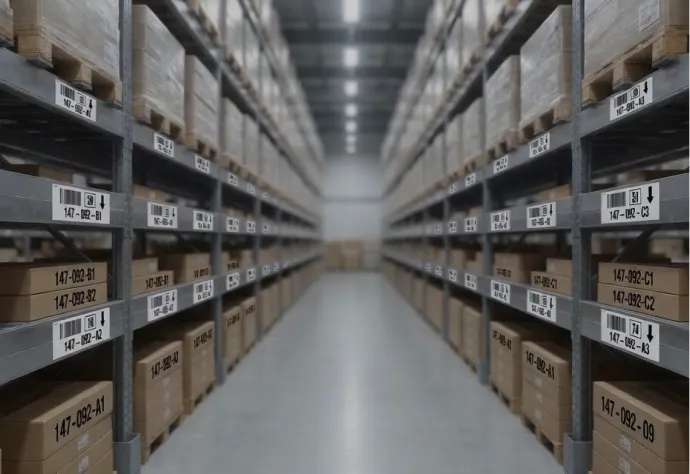


For schools, districts, and libraries
Asset tags and barcode labels for schools and libraries.
Chromebook tags, property tags for the annual inventory, equipment tags for facilities, and barcode labels for library collections. Matching stubs, your district name on the tag, and numbers that continue the register you already keep.
2-part stubs · 4-part stubs · color headers · QR layouts · district logos and grant marks
Family-run since 1982 · Purchase orders accepted · 800-524-0599
Family-run since 1982
Built for 1:1 rollouts and the annual audit
- ✓Purchase orders accepted
Schools, BOCES, and public-sector POs - ✓Matching stubs, 2-part or 4-part
The same number on the asset and the file - ✓A proof before we print
Then sequential numbers from your start value
★★★★★
“After someone in our office pointed out how much we were spending on labels for tracking student Chromebooks and other electronics, I started looking for alternatives and found ParCode. I was skeptical because the price was nearly half of what we had been paying, but the product was every bit as good.“
Yvonne V., West Chester Schools
What do you need to tag?
Pick your section, or scroll through all five.
Start here
Tag styles
Stubs, color headers, QR, and logos.
See the tags ↓
Tech and business office
Chromebooks & devices
1:1 programs, chargers, and loaner pools.
See device tags ↓
Business office
Property & inventory
Furniture, AV, and classroom equipment.
See property tags ↓
Facilities
Facilities & equipment
HVAC, kitchen, custodial, and grounds.
See equipment tags ↓
Librarians
Library collections
Books, media, and anything else you lend.
See library labels ↓
The tags we print for schools every week
These are the constructions districts already have on Chromebooks, projectors, and furniture. Every one is printed with your wording and numbered in sequence.
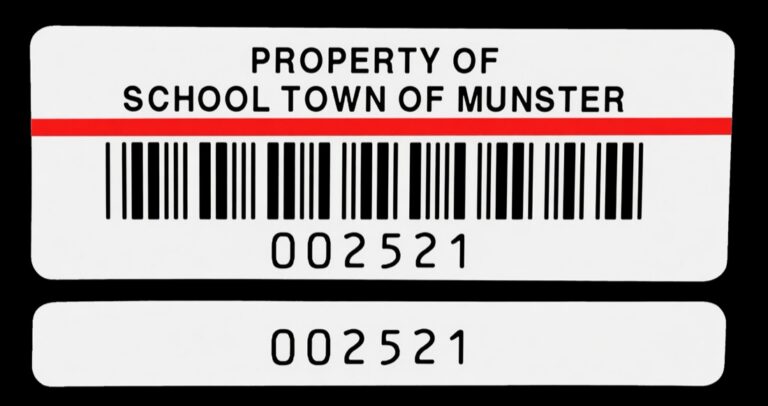
2-part
A matching stub
The main tag stays on the asset. The stub peels off onto the receiving sheet, the checkout card, or the asset folder, carrying the same number.
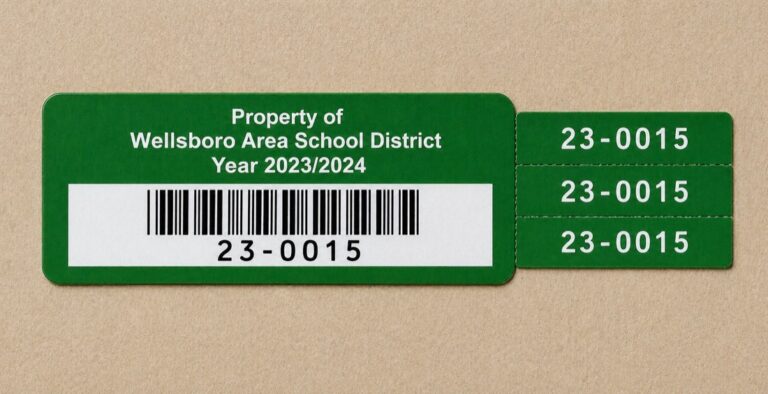
4-part
One number, four places
The barcode tag, plus three matching tabs for the inventory binder, the building copy, and the surplus file. Year text is optional.
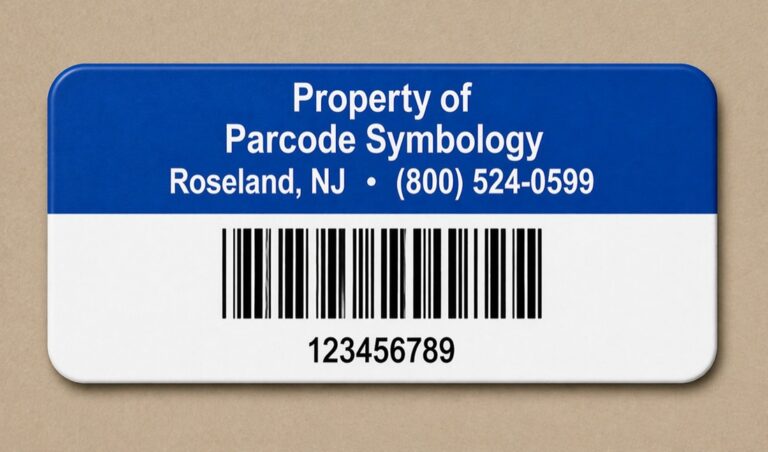
0.75″ × 2″
Color header
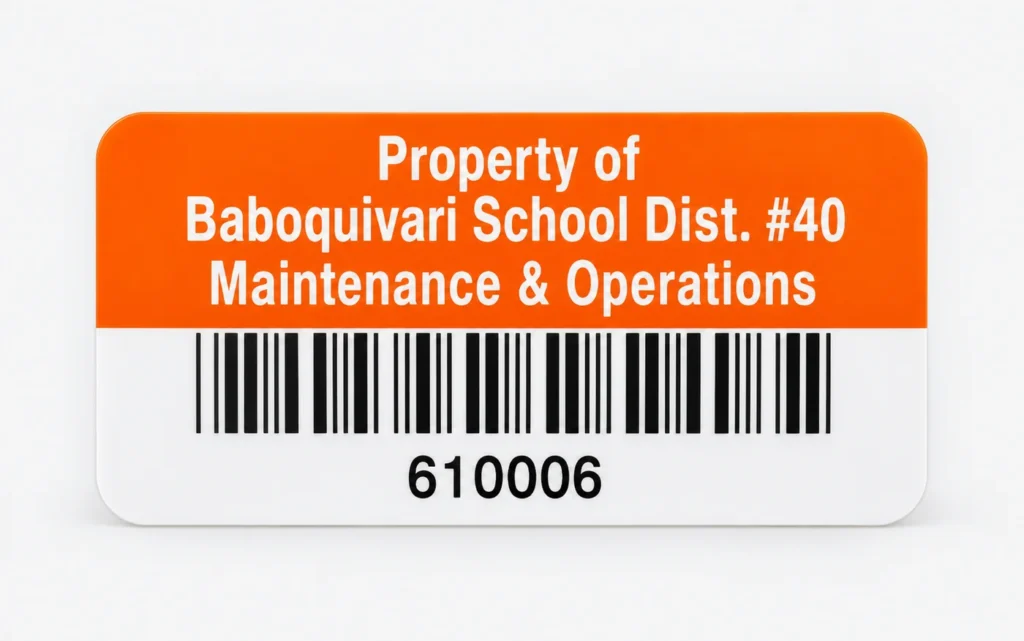
The school standard. It fits a Chromebook lid corner or the underside without covering vents. District name in reverse print.
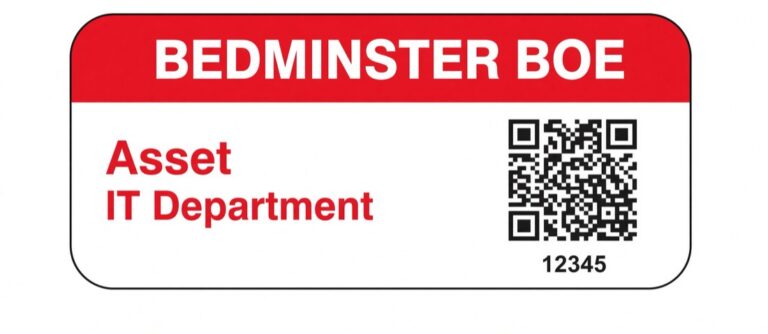
QR
Scan with a phone
The same footprint, with a QR code instead of or beside the barcode. The header can carry the district, the BOE, or the department.
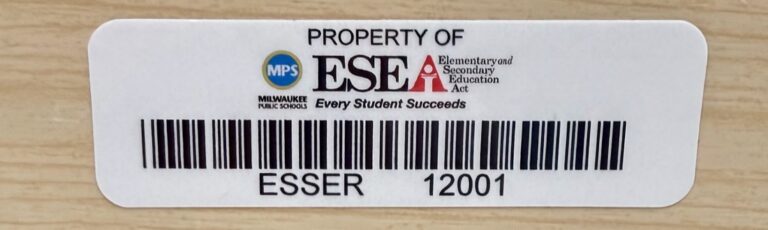
Logos & grants
Funding on the asset
Crests, school marks, and ESEA, ESSER or Title wording, with a program code that keeps grant equipment in its own series.
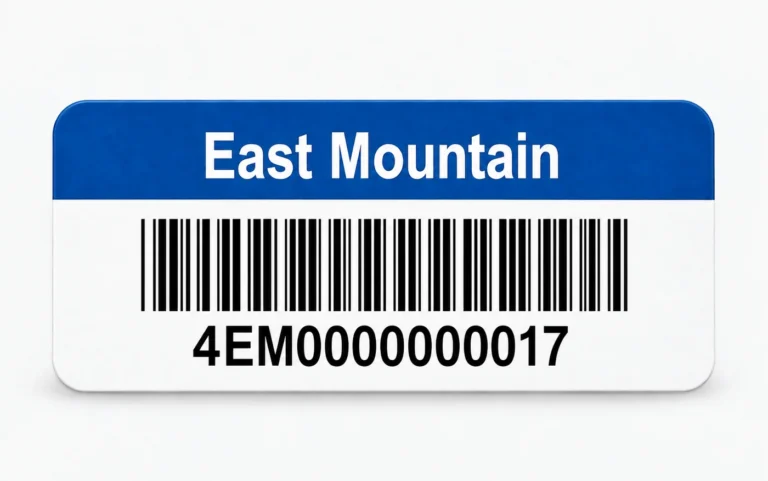
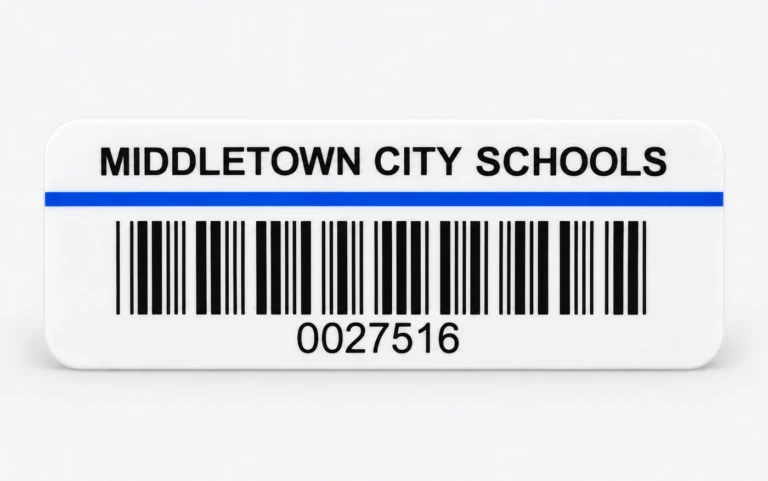
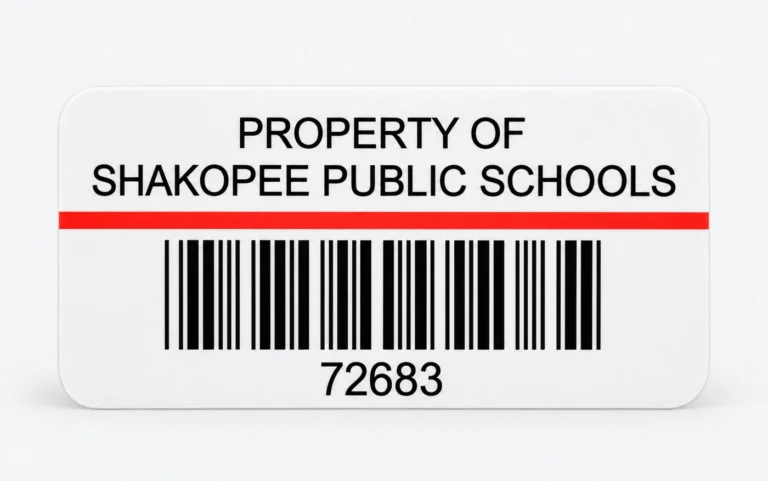
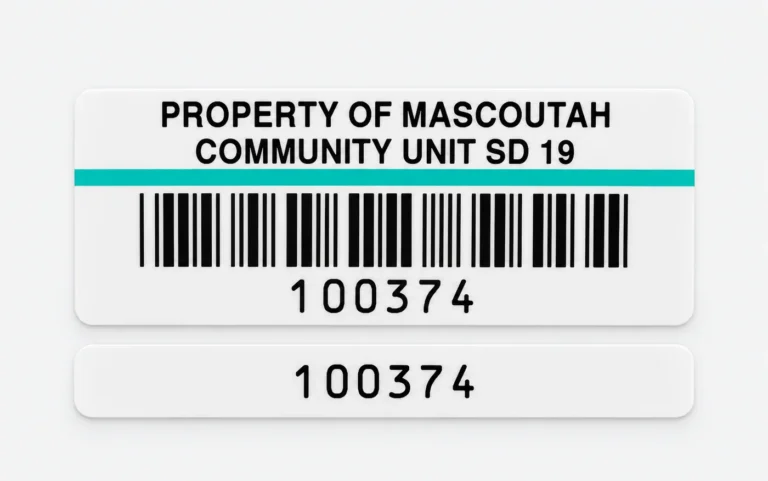
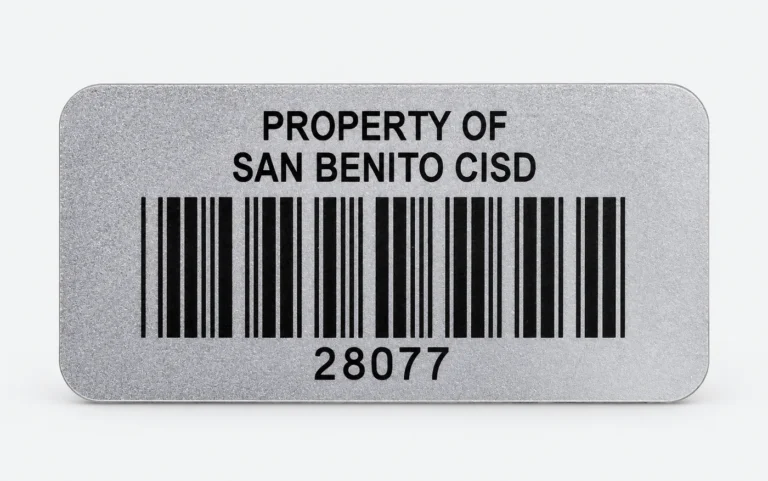
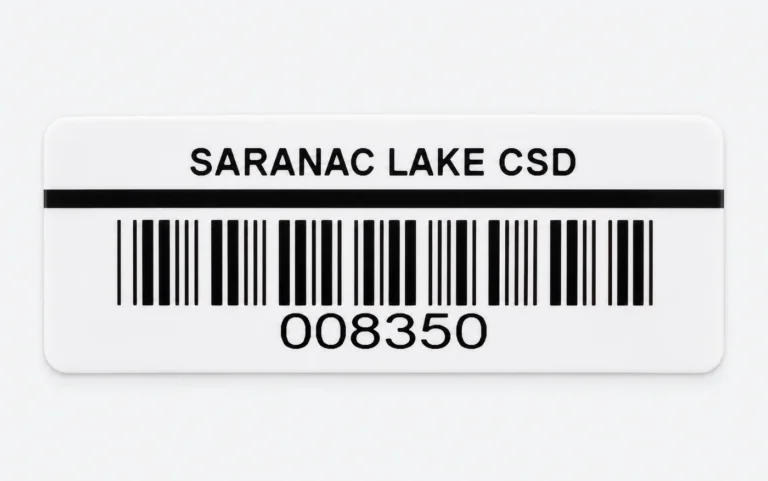
More school tags we have printed
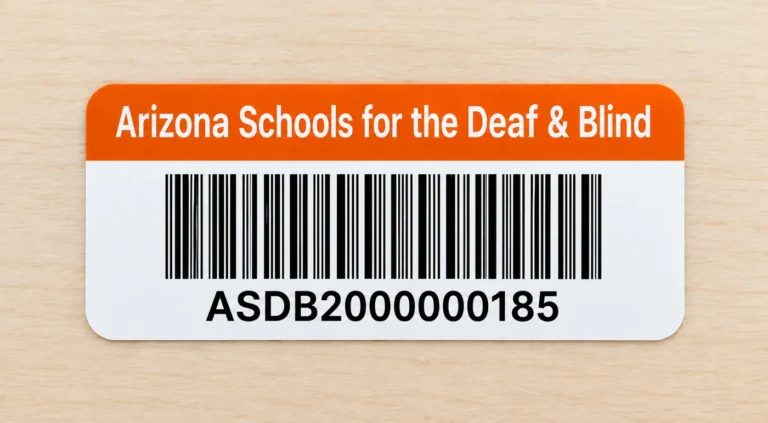
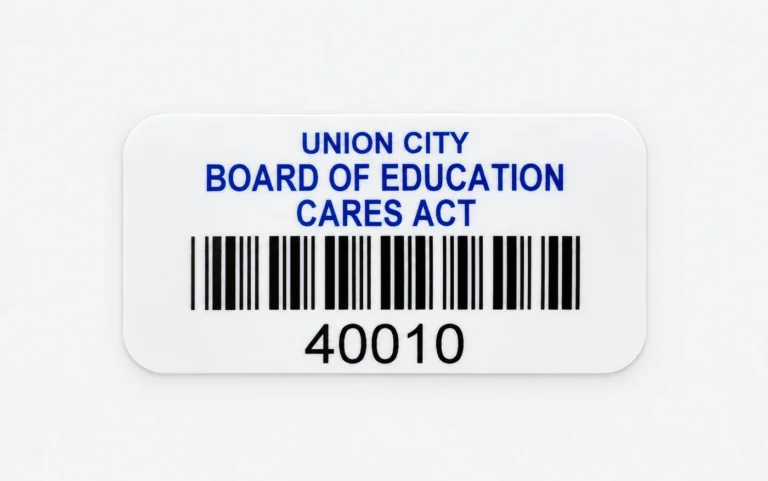
Stripes, color headers, silver polyester, and two-part tags, each printed with the district’s own name and numbers.
What goes on the tag
| Field | Why it is there |
|---|---|
| District or school name | Ownership, and it gets equipment returned |
| Logo or crest | Recognised at a glance, and it discourages walk-off |
| Color header or stripe | Spot the right series on a cart of identical devices |
| Barcode (Code 39 or Code 128) | Fast cart scans and audit scans |
| QR code | Phone scan straight into the asset record |
| Sequential asset number | A readable backup when a scanner will not read |
| Matching stub number | File, checkout card, surplus log |
| Year or funding line | School-year cycle, or Title and ESSER equipment |
| Department (IT, BOE, Athletics) | Who owns the checkout |
We match the numbering you already have: starting number, prefix, year code, site code. Send the spreadsheet.
Chromebooks & student devices
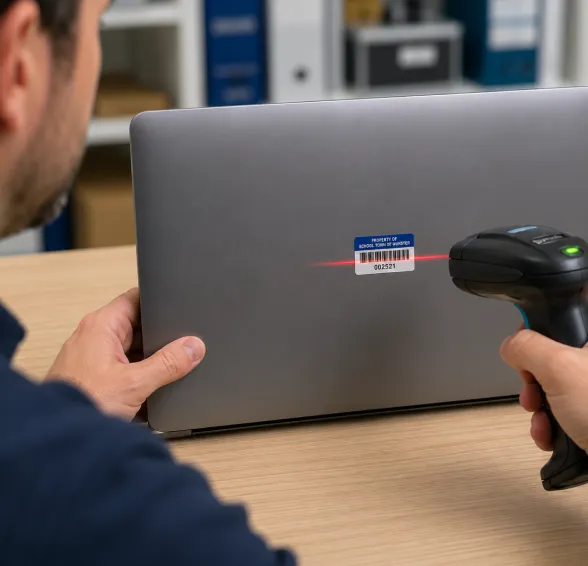
Device tags that last from August to June.
Hundreds of identical devices go out at the start of the year and come back at the end. Tags that peel, fade, or don’t match your records turn collection day into manual cleanup.
0.75″ × 2″ is the size districts standardise on: it fits the lid corner or the underside without covering vents.
- Seven stripe colors, so each school year or grade can have its own
- 2-part tags that print the same number on the device and the charger
- Laminated polyester that resists solvents, so cleaning wipes don’t wear off the print
- Destructible vinyl, so a tag can’t be peeled off one device and moved to another
Property & inventory · schools, districts, and campuses
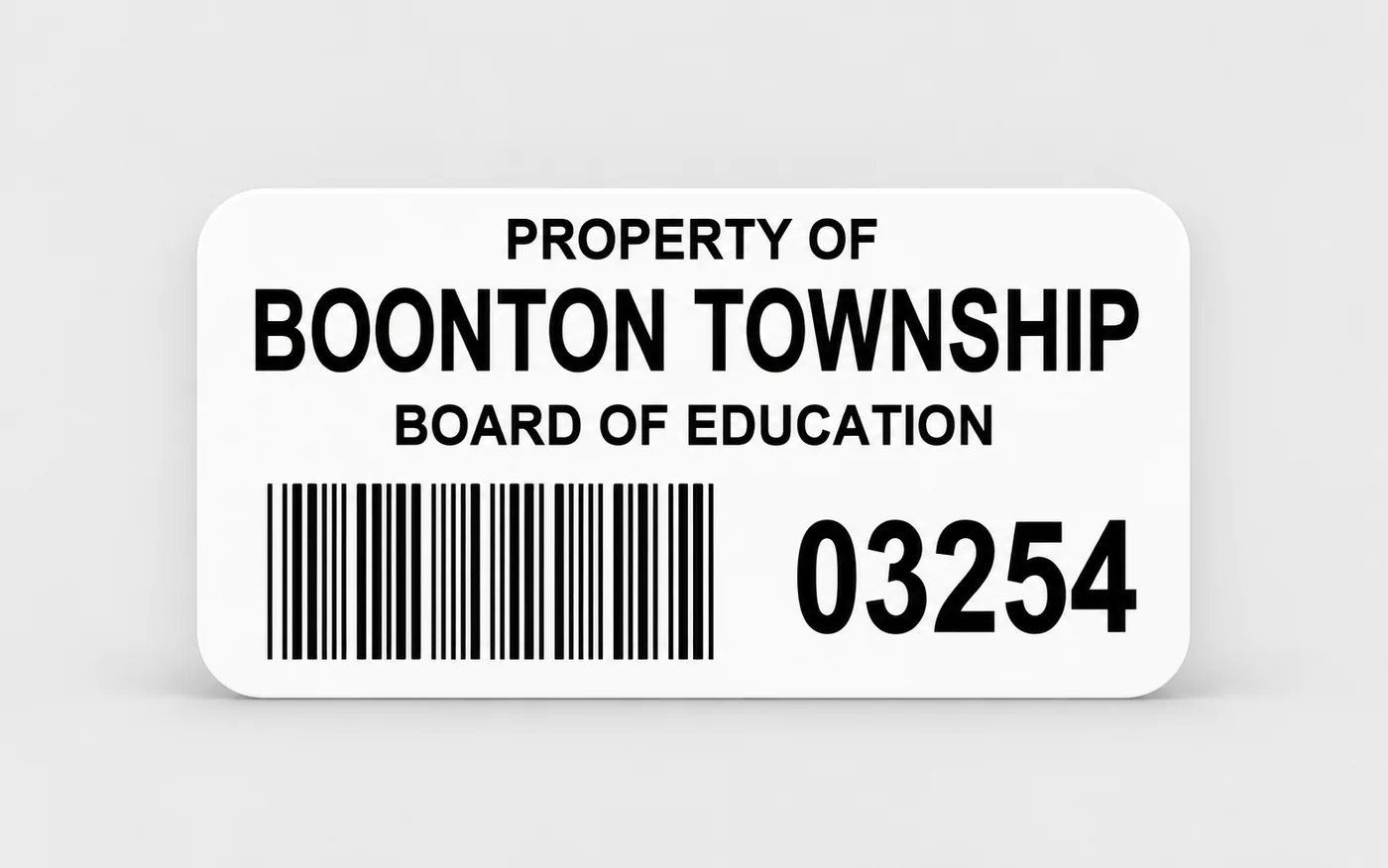
Property tags that make the annual inventory faster.
Tag furniture, AV, and classroom equipment once, then scan instead of writing down serial numbers at audit time. The matching stub goes on the receiving sheet, the checkout card, or the surplus and disposal file, so the paper record carries the same number as the asset.
- “Property of [your district]” wording, with your logo if you want it
- Sequential numbering that continues from the numbers you already use
- Multi-part tags with matching removable tabs: one tab, or three
- Year text, 2023/2024 style, to keep each school year in its own series
- Tamper-evident VOID labels that show if someone tries to remove them
Facilities & maintenance
Equipment tags for boiler rooms, kitchens, and bus lots.
Know what equipment you have, where it is, and which work orders belong to it.
- Color headers by department, so HVAC, kitchen, and grounds tags look different at a glance
- QR codes or barcodes your work-order system can scan
- Materials that resist moisture, chemicals, freezer temperatures, and outdoor weather
School and public libraries
Library barcode labels, pre-numbered and ready to apply.
Labels for books, media, and anything else you lend, printed in the number sequence your library system expects.
- Numbered to continue from the last barcode in your catalog
- We confirm the barcode format your library system reads before we print
- Laminated polyester that resists abrasion from constant handling
- Your library’s name on every label
How it works
Send a photo of the tag you use now, a device list, an inventory export, or the last barcode in your catalog, and we lay out and print the tags.
1
Tell us what you're tagging
Quantities, your current numbering, and where the tags will go. A photo of your existing tag is enough to work from.
2
We set the construction
Size, header color, barcode or QR, and the stub count: none, one matching tab, or three.
3
You approve a proof
Nothing prints until the layout and the numbering are right. Ask for samples to try on a real Chromebook, desk, or book first.
4
Delivered in number order
Printed from your starting number and ready to apply without sorting.
Options
Standard options are below. If you need something outside this list, we make custom tags too.
Sizes & constructions
- .75″ × 2.0″, 1″ × 2.0″, .5″ × 1.5″, and .3″ × 1.0″
- 2-part tags: .75″ top + .25″ matching tab
- 4-part tags: one tag plus three matching tabs
- Code 39, Code 128, QR code, or number only
- Sequential numbering with your own prefix
Printing
- Reverse-print color header in your school color
- 7 stripe colors for color-coding
- School logo or crest
- Year text, and grant or Title wording
Materials
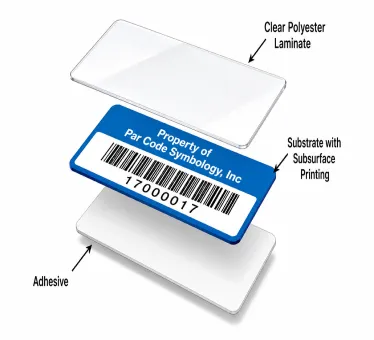
ParPlus polyester (white or silver): printed under a protective laminate that resists solvents and abrasion.
ParVoid tamper-evident: leaves the word “VOID” behind if someone removes it.
ParDestruct vinyl: breaks into small pieces if anyone tries to peel it off.
Know exactly what you want? Design standard asset tags online with a live preview. Orders start at 250 tags, with free shipping.
FAQs
Questions schools and libraries ask
Yes. Send us your existing numbering or a spreadsheet export from your inventory or library system, and we’ll print tags that continue the same sequence and format.
Yes. Photograph it or mail us a sample. We recreate the layout, the stripe color, and the number format.
0.75″ × 2″, on the lid corner or the underside, so the tag does not cover the vents. Other sizes are available.
Yes. Schools, BOCES, and public-sector purchase orders are standard. Choose Purchase Order at checkout and enter your PO number.
Yes. Crests, mascots, department names, and ESEA, ESSER or Title wording are routine. A program code in the number keeps grant-funded equipment in its own series.
Linear barcodes for cart scanners and high-volume audits. QR when staff scan with phones. Many districts order both layouts in the same color system.
Online orders start at 250 tags, from $122.50. For larger runs or district pricing, request a quote.
Our ParPlus polyester tags are printed under a protective laminate that resists solvents and abrasion.
Yes. Two-part tags print the same number twice: one piece for the device and a matching tab for the charger or case.
Tell us which system you use and send one of your current labels. We’ll confirm the barcode format with you before we print.
Get pricing for your school, district, or library.
Send the last tag you used, the next number in the series, and how many you need. We come back with a layout and a price.
- Tags numbered to match your records
- Purchase orders accepted
- Samples to test before you order

Or ask Frankie.
He’s helped thousands of customers find the right label. 800-524-0599
Get a Quick Quote
Frankie often replies within minutes.
